
MIDI composer / 01 · Free for Logic Pro
Find the feeling.
Follow the harmony.
Tonewild Chords is an Audio Unit MIDI effect that writes chord progressions and melodies with you, then hands them over as plain MIDI. No account. Nothing leaves your Mac.
Your progression
Click a card to hear it.
Sequence / 4 bars / 1 bar per chord / 120 bpm
- FreeNo account, no licence key
- Audio UnitMIDI FX for Logic Pro
- macOS 12+Apple silicon
- LocalNo network requests
01 Composer
Start from a direction, not a blank grid.
Pick Neo soul, Pop, Cinematic or House, any key, and one of five scales. Generate gives you four or eight chords and never repeats the progression you are hearing.
- Triads, sevenths or ninths in close, open or smooth voicings
- Click a card to audition it; change any chord's scale degree
- Velocity, variation and strum controls for a played feel
- Play keys mode turns single incoming notes into diatonic chords
- Undo and redo through everything you generated or edited

02 Melody
A lead line that remembers to breathe.
Make melody develops one motif across the whole progression, up to 32 bars. Answers invert the contour and leave space, the theme climbs to a peak, then settles on the root.
- Density, melodic range, tension and climax bar shape each phrase
- Lock the bars you love and regenerate the rest around them
- Strong beats stay on chord tones; tension stays in the scale
- Hear it over the chords, then drag the lead out on its own

03 Track MIDI
Bring what you already played.
Play a region through Chords once and its notes appear in a piano roll. Edit pitch, timing, length and velocity, or continue the phrase by one, two, four or eight bars.
- Your original notes, timing, channels and controllers stay exact
- Apply plays your edit in place of the region, only when you ask
- Saved with the Logic project and restored when you reopen it
- Logic's own piano roll is never changed for you

The hand-off
Drag the MIDI out. It's yours.
Drag chords or melody straight onto a track, or save a standard MIDI file. What lands in your project is exactly what you heard.
- Same voicings
- Export uses the voicings, velocity variation and strum timing of real-time playback.
- Exact length
- Tempo, a 4/4 signature and the exact region length are written into the file.
- Any instrument
- Chords outputs MIDI, so it plays whatever instrument sits after it on the track.
- Recalled
- Parameters, edited degrees, melodies and bar locks are saved with the host project.
Everything runs
on your Mac.
- No account
- No network requests
- No AI service
- No GPU needed
Progressions come from seeded musical rules you can steer, not from a server. Open a project on a plane and it sounds the same.
On the horizon
Chords is the first.
More is in the workshop.
Tonewild Audio is a small collection of native instruments, effects and MIDI tools. These three are in development and not available yet.
-
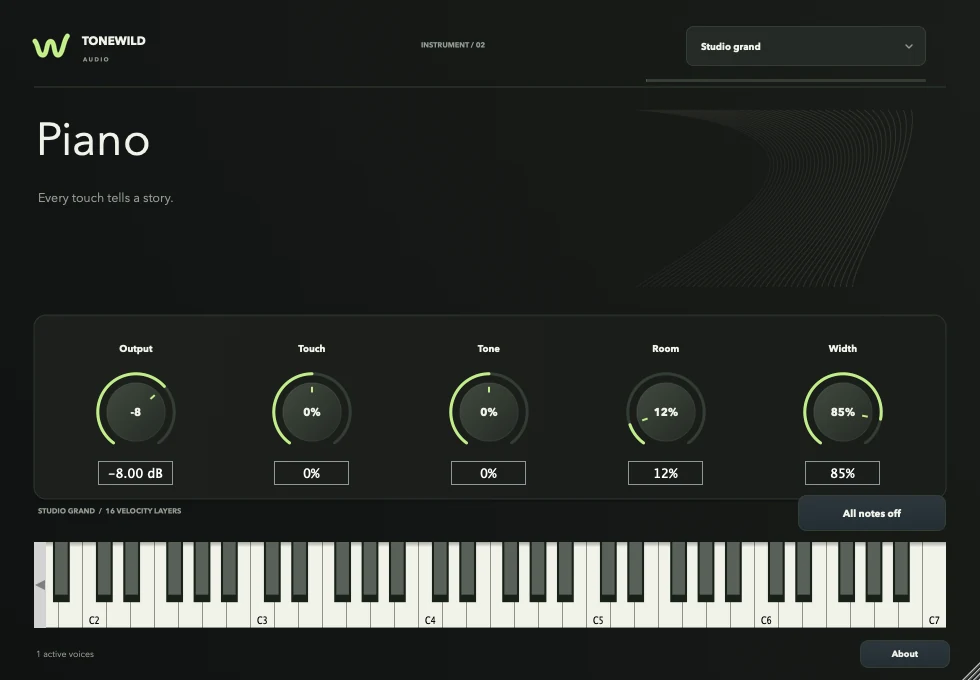
A sampled grand piano instrument.
-
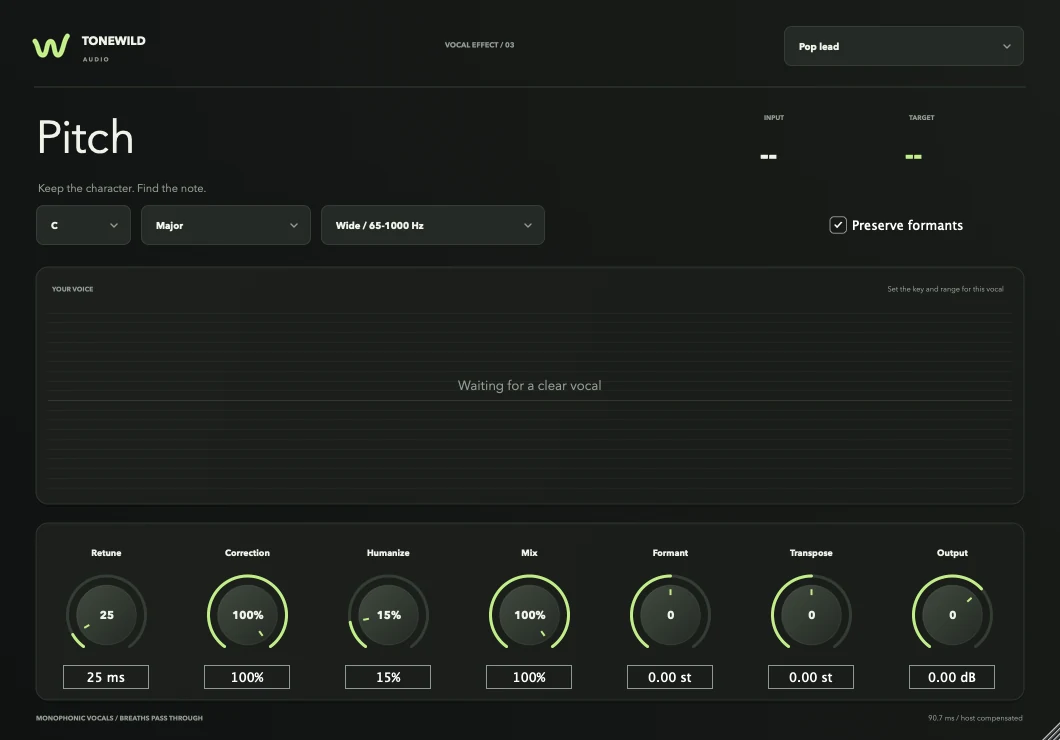
Vocal tuning with retune, humanize and formant control.
-
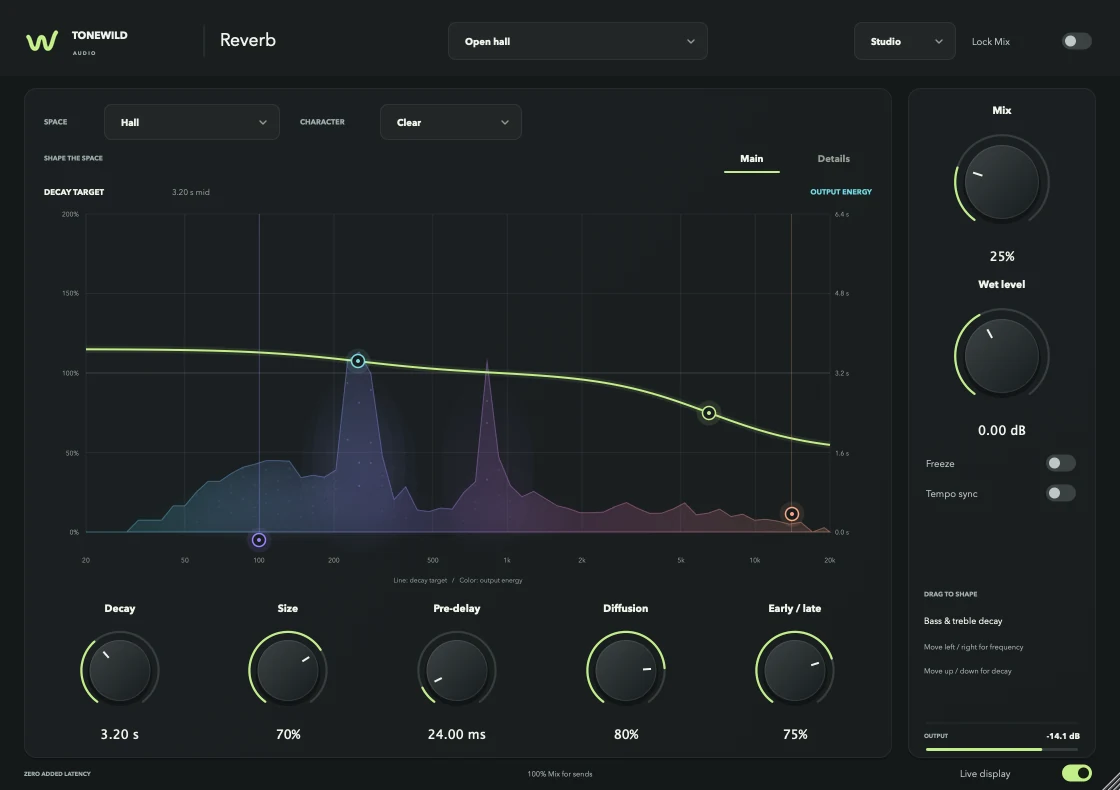
Six stereo spaces, from Room to Cathedral.
Tonewild Chords
Free. Take it.
The whole plugin, with nothing held back for a paid tier.
Download arriving soonThe signed macOS build is being prepared. Check back shortly.
- Price
- $0
- Format
- Audio Unit MIDI effect
- Host
- Logic Pro
- System
- macOS 12 or later, Apple silicon
- Account
- None
Questions
Is it actually free?
Yes. Tonewild Chords costs nothing and needs no account or licence key.
How do I use it in Logic Pro?
Install it from the Tonewild Audio app and restart Logic. On a software instrument track, open the MIDI FX slot and choose Chords - Tonewild. It needs a piano or synth after it, because it produces MIDI rather than sound.
Does it work in other DAWs?
The plugin is an Audio Unit built for Logic Pro. The MIDI it exports is a standard MIDI file, so the progressions and melodies you save can be used anywhere.
Is my music sent anywhere?
No. The plugin makes no network requests and uses no AI service. Generation is a set of seeded musical rules that run on your Mac.
Will it rewrite my Logic regions?
No. Chords never edits Logic's arrangement. You drag MIDI onto a region yourself, or choose Apply to hear your edit during playback.